Stencil Cleanliness: The Foundation of Solder Paste Print Quality
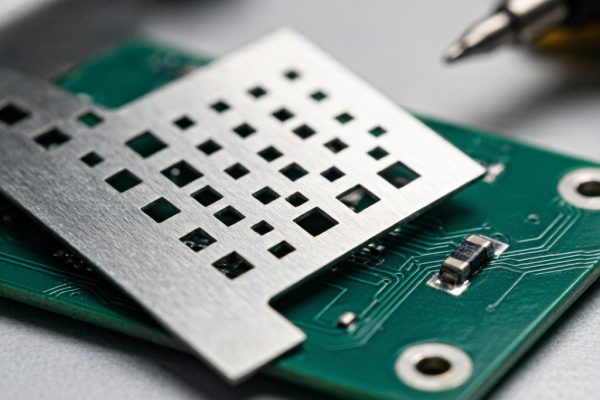
In SMT assembly, solder paste printing is widely acknowledged as the process step where the most defects originate—industry data consistently attributes 50–70% of post-reflow defects to the printing process. Within printing, stencil cleanliness is the single most controllable factor affecting print quality. A contaminated stencil produces insufficient paste deposits, bridging between fine-pitch apertures, and gradual print degradation that erodes first-pass yield over the course of a production run.
This guide covers the practical engineering of SMT stencil cleaning, from cleaning method selection to frequency optimization and inspection criteria.
How Stencil Contamination Degrades Print Quality
Solder paste residue accumulates on the stencil underside through two primary mechanisms:
- Squeegee bleed: A small amount of paste seeps under the stencil at the squeegee trailing edge, particularly with metal squeegees or worn polyurethane blades
- Aperture bleed-out: Paste in the aperture adheres to the board pads during separation, leaving a thin residue ring around each aperture on the stencil underside
After 5–15 prints without cleaning, the accumulated residue forms a gasket layer that lifts the stencil 5–20 μm above the PCB surface. This gasket effect has three consequences:
- Bridging: Paste squeezes laterally under the gasket gap, co
ecting adjacent apertures—catastrophic for fine-pitch QFP (0.4 mm pitch) and 0201/01005 passive component apertures
- Insufficient paste deposit: The gasket reduces the effective aperture volume by blocking paste release. For area ratio-limited apertures (below 0.66), a 10 μm gasket can reduce paste volume by 20–40%
- Loss of print definition: Paste smearing around aperture edges degrades the sharp print edges needed for fine-pitch component alignment and reduces the process window for placement accuracy
- Effectiveness: Removes 60–80% of loose residue; does not dissolve dried or partially dried flux residues
- Frequency: Can be performed after every 1–5 prints without significantly impacting cycle time
- Risk: Paper lint left on stencil underside; fibers in the aperture can block paste release
- Best for: Low-density boards with aperture pitch ≥0.5 mm, non-critical paste volume requirements
- Effectiveness: Removes 90–98% of residue including partially dried flux; solvent dissolves tacky flux residues that dry wiping ca
ot touch
- Frequency: Typically every 5–20 prints depending on paste type and aperture density
- Solvent selection: IPA is standard; avoid acetone (aggressive, can damage stencil coating) and hydrocarbon solvents (leave residue)
- Risk: Solvent residue in apertures can contaminate paste and cause solder balling; must always follow with a dry wipe
- Best for: Medium to high-density boards, fine-pitch (≤0.5 mm), and paste types with higher flux content (water-soluble, no-clean with high solids)
- Effectiveness: 95–99% residue removal when properly configured; consistent results independent of operator technique
- Programmable frequency: Set in the printer recipe (e.g., clean every 5 prints for fine-pitch, every 10–15 for coarse-pitch)
- Cycle time impact: 5–12 seconds per cleaning cycle; amortized over the interval, adds 1–3 seconds per print
- Best for: All medium-to-high volume production; essential for 0201/01005 component printing and area ratio <0.60 apertures
- Effectiveness: Removes all residues including fully dried paste from aperture walls; restores apertures to near-new condition
- Frequency: At product changeover, or every 500–2,000 prints for extended production runs
- Stencil compatibility: Ultrasonic cleaning can damage nano-coatings on stencil surfaces; verify coating compatibility before ultrasonic cleaning
- Best for: Stencil maintenance and deep cleaning between production batches; not a substitute for in-process cleaning
- Baseline print study: Print 50 consecutive boards without cleaning, measuring paste volume (SPI) and inspecting for bridging at 5-print intervals
- Determine degradation point: Identify the print number at which paste volume drops below the lower spec limit or bridging appears on fine-pitch apertures
- Set cleaning interval: Clean at 50–70% of the degradation point to maintain a comfortable process margin
- Aperture blockage: No paste residue remaining in any aperture, particularly area-ratio-limited apertures (smallest openings relative to stencil thickness)
- Stencil damage: No bent or deformed aperture walls, burrs, or delamination of stencil coating
- Surface residue: No visible paste streaks or film on the stencil underside
- Standard stainless steel (304 SS, uncoated): 10,000–30,000 prints before aperture wall degradation becomes noticeable
- Nano-coated stencil: 20,000–50,000 prints; coating reduces paste adhesion and extends cleaning intervals
- Electroformed nickel stencil: 30,000–70,000 prints; smooth aperture walls resist paste adhesion, making them ideal for fine-pitch and long-run applications
- Using paper towels instead of lint-free wipes: Cellulose fibers from paper towels lodge in apertures and block paste release
- Wiping direction across fine-pitch apertures: Wiping parallel to fine-pitch aperture rows can smear paste into adjacent apertures; wipe at 45° to aperture rows when possible
- Insufficient solvent drying time: Residual IPA in apertures dissolves paste flux next print cycle, causing slump and bridging
- Over-cleaning with aggressive solvents: Frequent cleaning with strong solvents can degrade stencil coatings and aperture edge quality over time—match the solvent to the paste type
- Skipping post-clean dry wipe: Wet stencil surfaces attract airborne dust and lint, which then transfer to the next printed board
Stencil Cleaning Methods Compared
1. Dry Wipe (Lint-Free Paper, No Solvent)
The simplest cleaning method: a lint-free paper or fabric wipe is passed across the stencil underside to remove loose paste residue.
2. Wet Wipe (Solvent + Lint-Free Wipe)
A solvent—typically isopropyl alcohol (IPA) or a commercial stencil cleaner—is applied to a lint-free wipe, followed by the wipe pass and a dry wipe pass to remove residual solvent.
3. Automated Under-Stencil Cleaning (Integrated in Printer)
Modern solder paste printers incorporate automated under-stencil cleaning systems that cycle a cleaning fabric (typically polyester-cellulose blend) across the stencil underside on a programmable schedule. These systems can alternate between dry wipe, wet wipe (solvent dispensed onto the fabric), and vacuum-assisted passes.
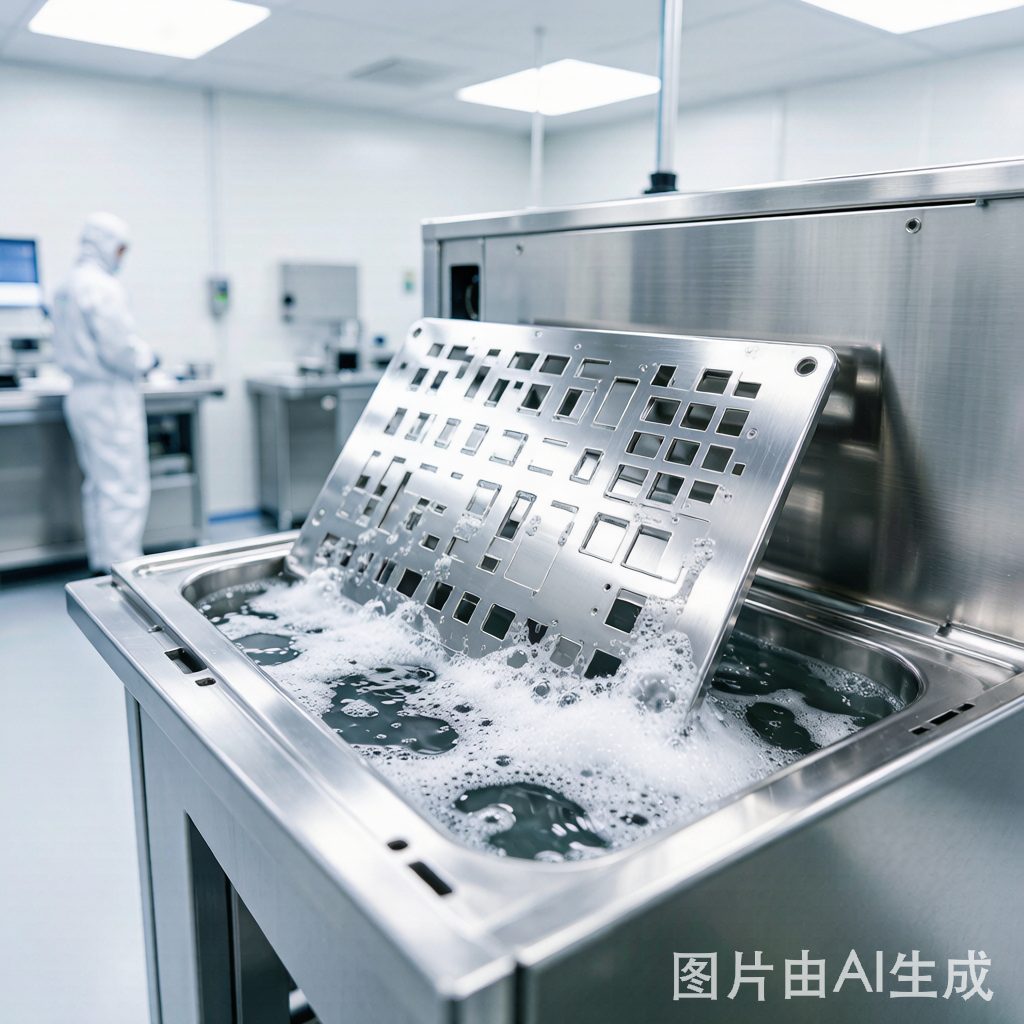
4. Ultrasonic Stencil Cleaning (Offline, Periodic)
For deep cleaning between production runs or when paste has dried in apertures, ultrasonic cleaning immerses the stencil in a cleaning solution agitated by ultrasonic transducers (typically 20–40 kHz). Cavitation bubbles implode at the stencil surface, dislodging dried paste from aperture walls.
Cleaning Frequency Optimization
Determining the optimal cleaning interval requires balancing print quality against throughput. A data-driven approach:
| Board Complexity | Typical Cleaning Interval | Method |
|---|---|---|
| Coarse pitch (>0.65 mm), no fine-pitch | 10–20 prints | Dry wipe |
| Mixed: 0.5 mm QFP + passives | 5–10 prints | Wet wipe or automated wet |
| Fine pitch (0.4 mm QFP, 0201) | 3–5 prints | Automated wet wipe |
| Ultra-fine (0.3 mm, 01005, micro-BGA) | 1–3 prints | Automated wet wipe + vacuum |
Stencil Inspection After Cleaning
After cleaning, the stencil should be inspected visually or with automated optical inspection (AOI) to verify:
A USB microscope or magnifying lamp at 10×–20× is sufficient for manual inspection. For high-volume production, inline stencil inspection systems (typically integrated into the printer) provide automated aperture-by-aperture verification after each cleaning cycle.
Stencil Life Management
Stainless steel laser-cut stencils have a finite service life. Typical life expectancy:
End-of-life indicators include: increasing cleaning frequency required to maintain print quality, measurable aperture wall roughening under microscope, and gradual paste volume drift on SPI despite frequent cleaning.
Common Stencil Cleaning Mistakes
Conclusion
SMT stencil cleaning is not just a housekeeping task—it is a process control parameter that directly determines solder paste print quality, first-pass yield, and total cost of poor quality. The right cleaning method, frequency, and inspection discipline for a given board’s aperture density and pitch turn what is often treated as an afterthought into a competitive manufacturing advantage. For high-density assemblies with fine-pitch components, automated wet-vacuum cleaning every 3–5 prints, validated by SPI and periodic aperture inspection, is the gold standard for maintaining print quality throughout a production run.